
01|AI in Product Design
When designing workflows for the CSMS platform, I use AI across different stages, including requirement analysis, prototyping, and Design System development. It helps me understand unfamiliar topics such as OCPP and EV charging, organize complex requirements, quickly build prototypes, and explore component structures and states.

Exploring Requirements and Research
Understand unfamiliar domains, organize requirements, and clarify technical context.

Building Interactive Prototypes
Turn complex requirements into interactive scenarios to support team discussions.
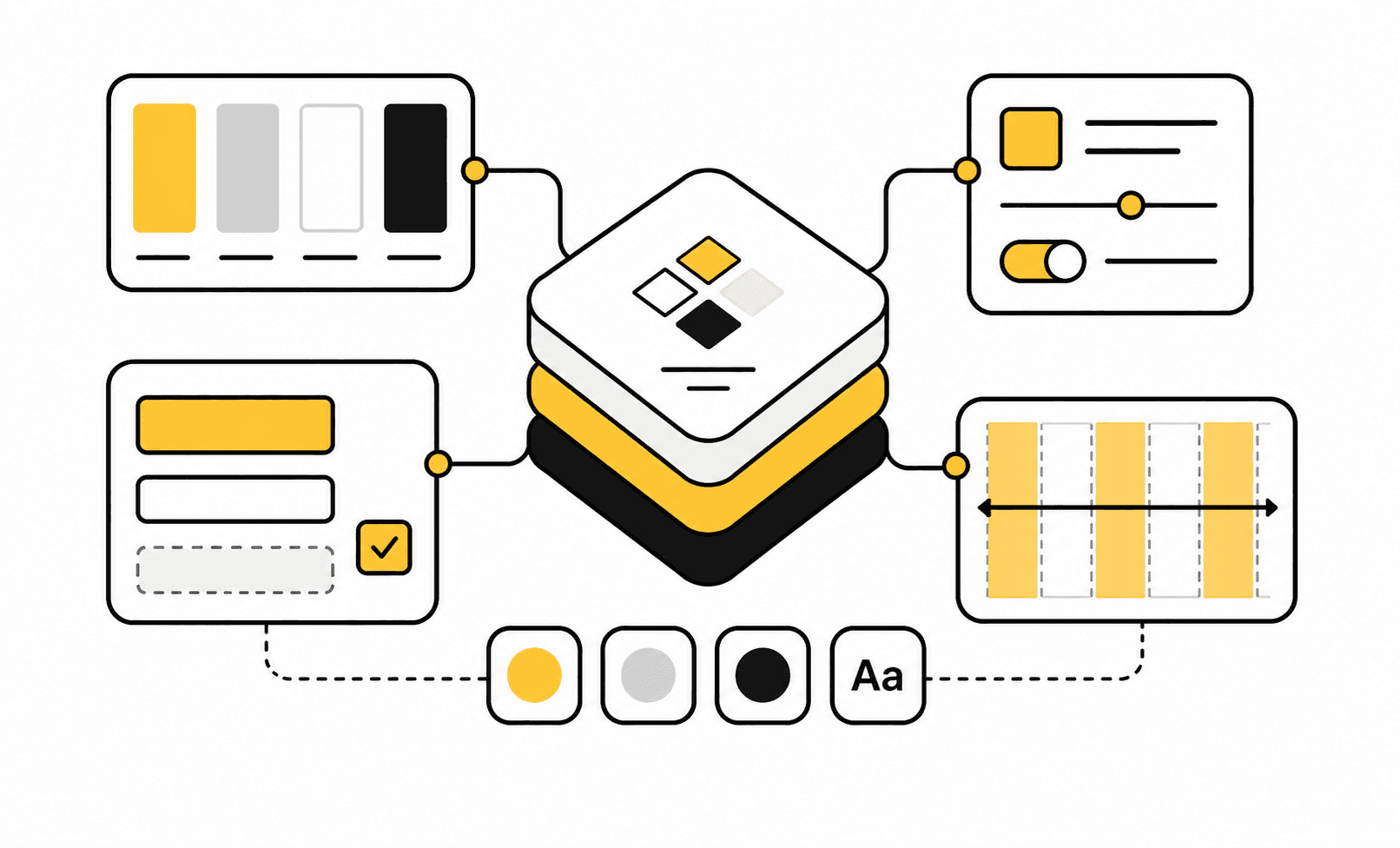
Planning the Design System
Explore system states and rules, then define components based on actual product use cases.
02|AI-Assisted Design Project
Project Overview
After leaving my previous role in May 2026, I took on a product design project where the client wanted around 80% of the work to be completed with AI assistance. In addition to using AI tools throughout the main design process, I also needed to create a Claude + Figma MCP workflow that the client could continue using after the project.
Rather than starting with a completely new product, the project focused on rebuilding the Design System for an existing product. In the early stage, I reviewed the existing components, learned how the product was used, and considered the components and states that might be needed as the product evolved.
AI Design Process
I rebuilt the Design System from scratch, starting with Foundations, Variables, Components, and Variants. I then used AI to discuss component structures, states, and usage rules, and used Claude + Figma MCP to create some Variables and Component Variants directly in Figma. Afterward, I adjusted the sizing, parameters, naming, and usage based on actual product needs.
When planning the Design System, I did not let AI define the design rules from scratch. Based on my previous experience building Design Systems, I first referenced systems with similar product structures, then adapted them to fit this product. Once the component structure and usage rules became clearer, I used AI to extend components, fill in missing states, and handle repetitive setup work.
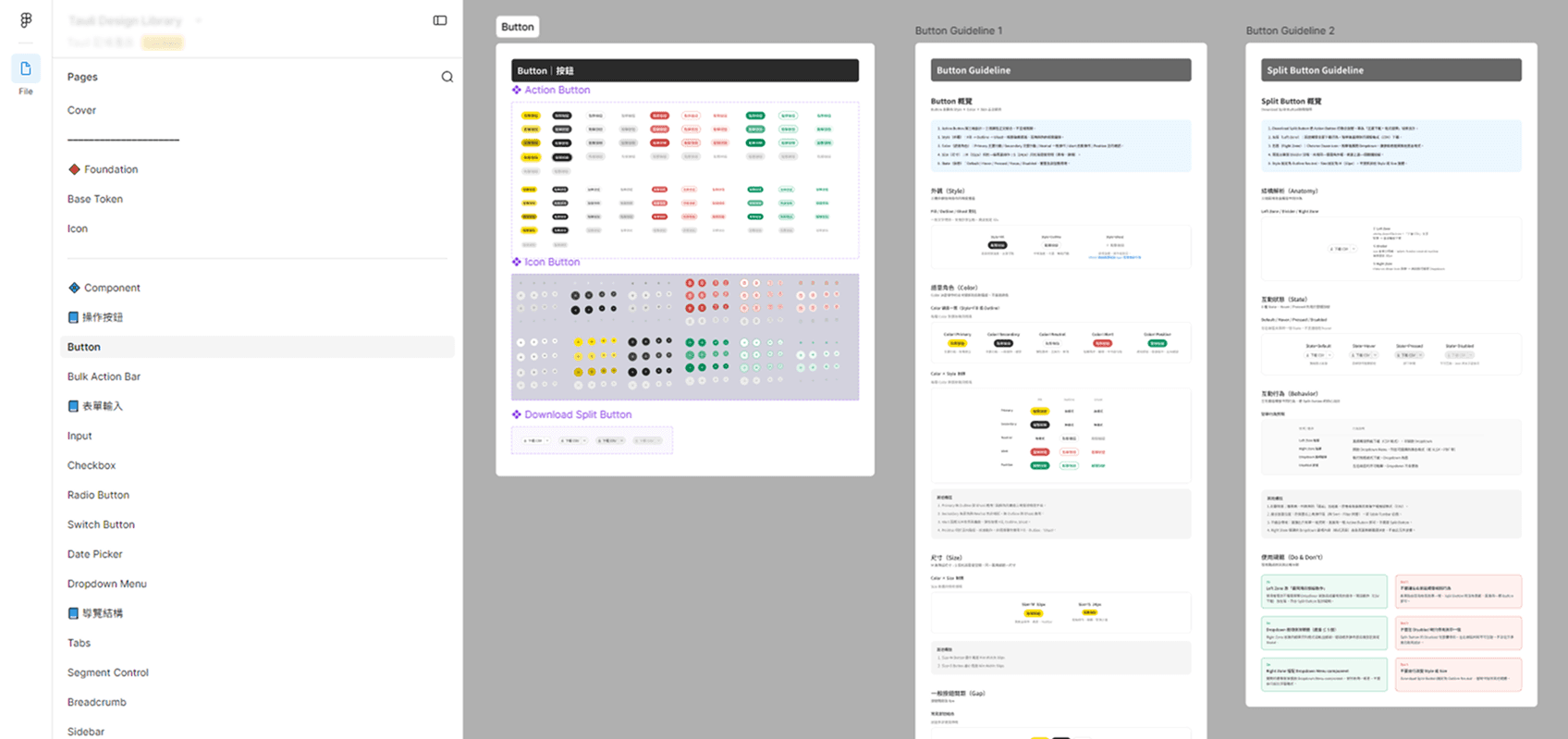
1 to 2 weeks to rebuild the Design System
AI Design Loop
After completing the Design System, I created Design.md to translate component usage, states, and design rules into a format that AI could understand. I then used Claude to generate new UI Mockups based on the existing product information architecture.
Throughout the process, I reviewed the results and continued refining both the Components and Design.md, so each new output could better follow the actual design rules.
After several rounds of iteration, I found that AI could produce roughly 90% of a UI Mockup. This did not mean the result required no manual work. It meant that, with the existing product information architecture and Design System rules as references, AI could complete most of the screen layout and component placement. The designer would then refine the details, use cases, and edge states.
Design System → Design.md → AI Mockup → Review → Refine Rules → Generate Again
Final Delivery
For the final delivery, I provided the complete Design System along with a workflow for generating UI Mockups with AI. This included prompt writing, Component adjustments, and Design.md optimization, supported by a tutorial deck and recorded walkthroughs.
I then walked the client through the full process using their existing product information architecture, from setup to generating a new UI Mockup, to confirm that they could continue using the workflow after the project.

Tutorial Videos & Documentation

Claude + Figma MCP Tutorial Deck